Nice, but there are a bunch of shots that I don't think are light enough. While I haven't done much lighting myself, I'd suggest doing some global illumination, then set up the rest of the your lights the normal way. I wouldn't make it too bright, but light enough so you can see the whole model. After that, add something in the background, I'm not sure if there are stars in your shots or not, and if there are, they aren't bright enough to see. Add some galaxies, at least.
"[It] was the theme song for the movie 2010 first contact." ~ A YouTuber on
Also Sprach ZarathustraCGI LEGO! Updated occasionally...






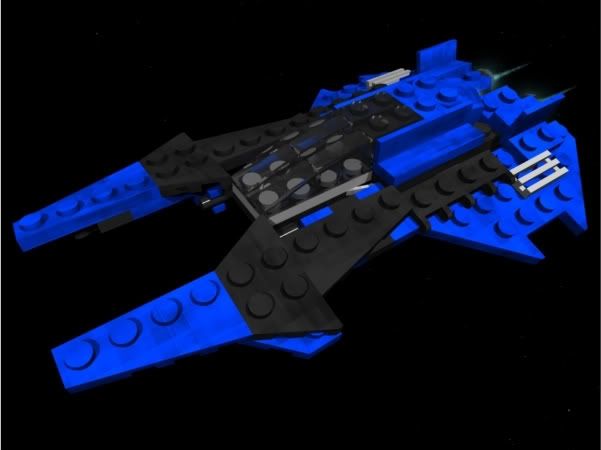


 Those are awesome!